

Real-time
FrankenPHP ships with a built-in Mercure hub for pushing real-time events to browsers over HTTP, as a simpler alternative to WebSockets.
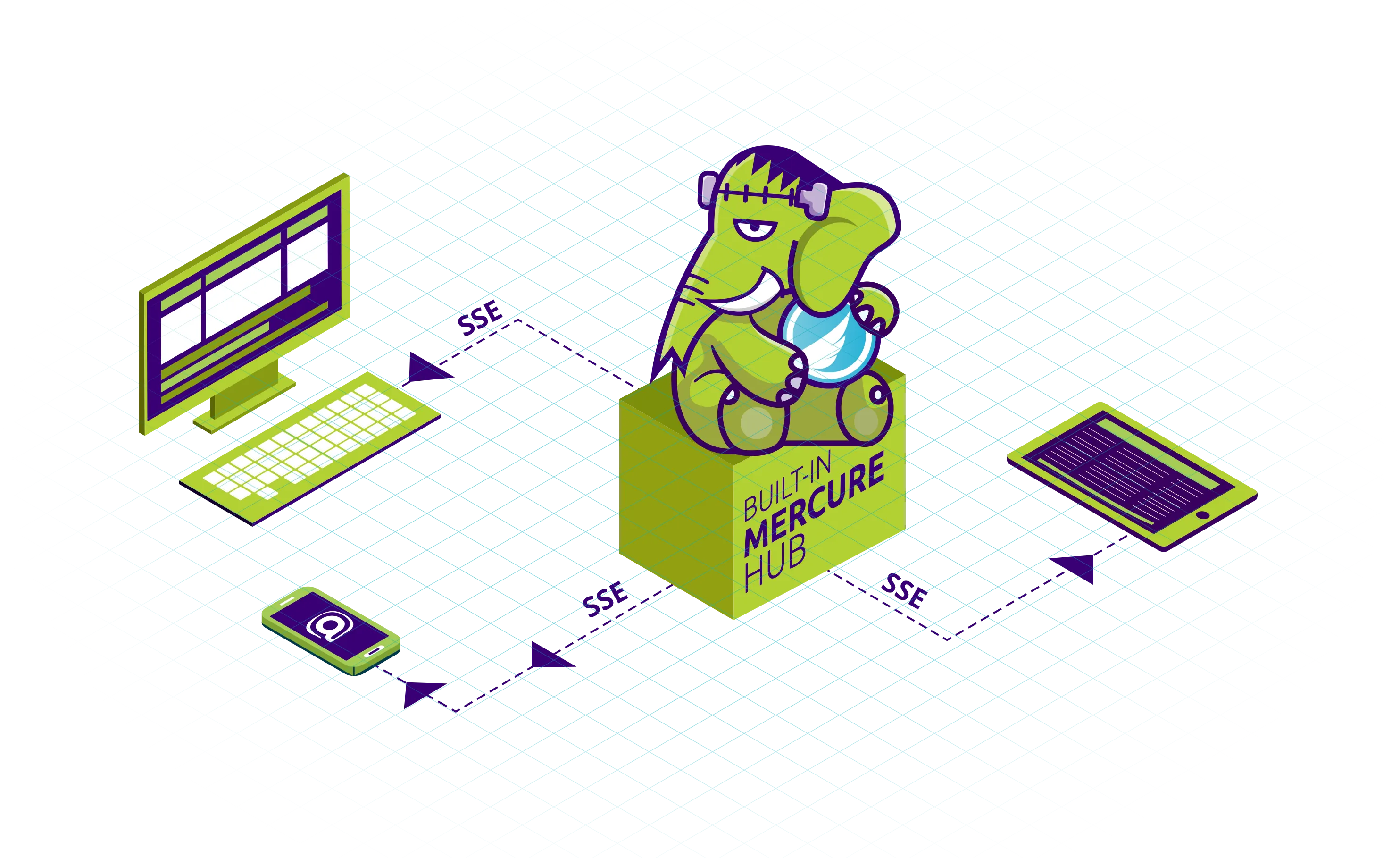
FrankenPHP comes with a built-in Mercure hub! Mercure allows you to push real-time events to all the connected devices: they will receive a JavaScript event instantly.
It’s a convenient alternative to WebSockets that is simple to use and is natively supported by all modern web browsers!
Enabling Mercure
Mercure support is disabled by default.
Here is a minimal example of a Caddyfile enabling both FrankenPHP and the Mercure hub:
# The hostname to respond to
localhost

mercure {
    # The issuer of the access tokens, and the keys verifying them
    issuer https://localhost {
        publisher {
            jwt !ChangeThisMercureHubJWTSecretKey!
        }
        subscriber {
            jwt !ChangeThisMercureHubJWTSecretKey!
        }
    }
    # Allows anonymous subscribers (without access token)
    anonymous
}

root public/
php_server
Access tokens must carry the identifier of the issuer they were signed by in their iss claim.
mercure_publish() doesn’t need any token: it publishes directly, in-process.
Tip
The sample Caddyfile
provided by the Docker images already includes a commented Mercure configuration
with convenient environment variables to configure it.
Uncomment the Mercure section in /etc/frankenphp/Caddyfile to enable it.
If you enable compression with the encode directive, exclude the hub from it:
compressed SSE streams cost memory per subscriber and enable BREACH-style attacks.
@compressible not path /.well-known/mercure
encode @compressible zstd br gzip
With php-server
frankenphp php-server --mercure starts the hub without a Caddyfile, configured by environment variables:
MERCURE_PUBLISHER_JWT_KEYandMERCURE_SUBSCRIBER_JWT_KEY(required): the keys verifying the publisher and subscriber tokensMERCURE_PUBLISHER_JWT_ALGandMERCURE_SUBSCRIBER_JWT_ALG(default:HS256): the algorithms these tokens are signed withMERCURE_TRUSTED_ISSUERS(default:https://localhost): the identifiers accepted in theissclaim of the tokens, separated by commas or spaces (the sampleCaddyfilereads a single identifier from this variable)MERCURE_RESOURCE_IDENTIFIER(default: the URL of the hub the client contacted): the value theaudclaim of the tokens must contain; set it when--domainis empty, as the site then answers anyHost
The tokens must follow the format described below: the ones issued for the 0.x hub are rejected.
Subscribing to updates
By default, the Mercure hub is available on the /.well-known/mercure path of your FrankenPHP server.
To subscribe to updates, use the native EventSource JavaScript class:
<!-- public/index.html -->
<!doctype html>
<title>Mercure Example</title>
<script>
  const eventSource = new EventSource("/.well-known/mercure?match=my-topic");
  eventSource.onmessage = function (event) {
    console.log("New message:", event.data);
  };
</script>
Publishing updates
Using mercure_publish()
FrankenPHP provides a convenient mercure_publish() function to publish updates to the built-in Mercure hub:
<?php
// public/publish.php

$updateID = mercure_publish('my-topic',  json_encode(['key' => 'value']));

// Write to FrankenPHP's logs
error_log("update $updateID published", 4);
The full function signature is:
/**
 * @param string|string[] $topics The first topic is the canonical one, the others are alternate topics
 */
function mercure_publish(string|array $topics, string $data = '', bool $private = false, ?string $id = null, ?string $type = null, ?int $retry = null): string {}
Subscribers matching the canonical topic or any of the alternate topics receive the update.
The returned string is the ID of the update, to be used as Last-Event-ID to resume a stream.
mercure_publish() throws a ValueError when the update violates the protocol, notably when:
- a topic addresses the
/.well-known/mercurenamespace, which is reserved for the hub, or is*, which is reserved for the wildcard matcher; $idstarts with#, isearliest, or contains control characters;$typeismercure, which is reserved for the events generated by the hub, or contains control characters;$dataisn’t valid UTF-8;$retryis negative.
A TypeError is thrown when $topics is an array holding a value that isn’t a string.
A RuntimeException is thrown when no hub is configured, or when the hub fails to dispatch the update.
Using file_get_contents()
To dispatch an update to connected subscribers, send an authenticated POST request to the Mercure hub with the topic and data parameters:
<?php
// public/publish.php

// An access token signed with the key of the "issuer" configured in the Caddyfile
$jwt = generate_access_token();

$updateID = file_get_contents('https://localhost/.well-known/mercure', context: stream_context_create(['http' => [
    'method'  => 'POST',
    'header'  => "Content-type: application/x-www-form-urlencoded\r\nAuthorization: Bearer " . $jwt,
    'content' => http_build_query([
        'topic' => 'my-topic',
        'data' => json_encode(['key' => 'value']),
    ]),
]]));

// Write to FrankenPHP's logs
error_log("update $updateID published", 4);
The token is an OAuth 2.0 access token, signed with the key of the issuer block of the Caddyfile.
Its header must contain "typ": "at+jwt", and its payload must grant the publish action on every topic of the update:
{
  "iss": "https://localhost",
  "aud": "https://localhost/.well-known/mercure",
  "exp": 4102444800,
  "authorization_details": [
    {
      "type": "https://mercure.rocks/authorization-detail",
      "actions": ["publish"],
      "topics": [{ "match": "my-topic" }]
    }
  ]
}
iss must be the identifier of the issuer block, and aud the URL of the hub.
See the Mercure documentation about authorization.
Generate these tokens dynamically, using a trusted JWT library: the protocol requires an expiration date, so they cannot be hardcoded.
Warning
The tokens of the Mercure protocol 0.x, using a mercure claim, are rejected by default.
FrankenPHP is built with the deprecated_topic and deprecated_claim build tags of the hub, so adding protocol_version_compatibility 8 to the mercure block accepts them again during a migration.
This mode relaxes the validation of the access tokens: remove it once your clients issue 1.0 tokens.
Using Symfony Mercure
Alternatively, you can use the Symfony Mercure Component, a standalone PHP library.
This library handles the JWT generation, update publishing as well as cookie-based authorization for subscribers. Support for the Mercure protocol 1.0 requires symfony/mercure 0.8 or later.
First, install the library using Composer:
composer require symfony/mercure lcobucci/jwtThen, you can use it like this:
<?php
// public/publish.php

require __DIR__ . '/../vendor/autoload.php';

const JWT_SECRET = '!ChangeThisMercureHubJWTSecretKey!'; // Must be the same as the publisher jwt in Caddyfile

// Set up the JWT token provider, issuing Mercure 1.0 access tokens
$jwFactory = new \Symfony\Component\Mercure\Jwt\LcobucciFactory(
    JWT_SECRET,
    jwtLifetime: 3600,
    protocolVersion: \Symfony\Component\Mercure\ProtocolVersion::V1,
);
$provider = new \Symfony\Component\Mercure\Jwt\FactoryTokenProvider(
    $jwFactory,
    [new \Symfony\Component\Mercure\Jwt\Grant([\Symfony\Component\Mercure\Jwt\Grant::ACTION_PUBLISH], ['*'])],
    [
        'iss' => 'https://localhost',
        'aud' => 'https://localhost/.well-known/mercure',
        // Required by RFC 9068: the subject and the client the token is issued to
        'sub' => 'https://localhost',
        'client_id' => 'https://localhost',
    ],
);

$hub = new \Symfony\Component\Mercure\Hub(
    'https://localhost/.well-known/mercure',
    $provider,
    protocolVersion: \Symfony\Component\Mercure\ProtocolVersion::V1,
);
// Serialize the update, and dispatch it to the hub, that will broadcast it to the clients
$updateID = $hub->publish(new \Symfony\Component\Mercure\Update('my-topic', json_encode(['key' => 'value'])));

// Write to FrankenPHP's logs
error_log("update $updateID published", 4);
Mercure is also natively supported by: